
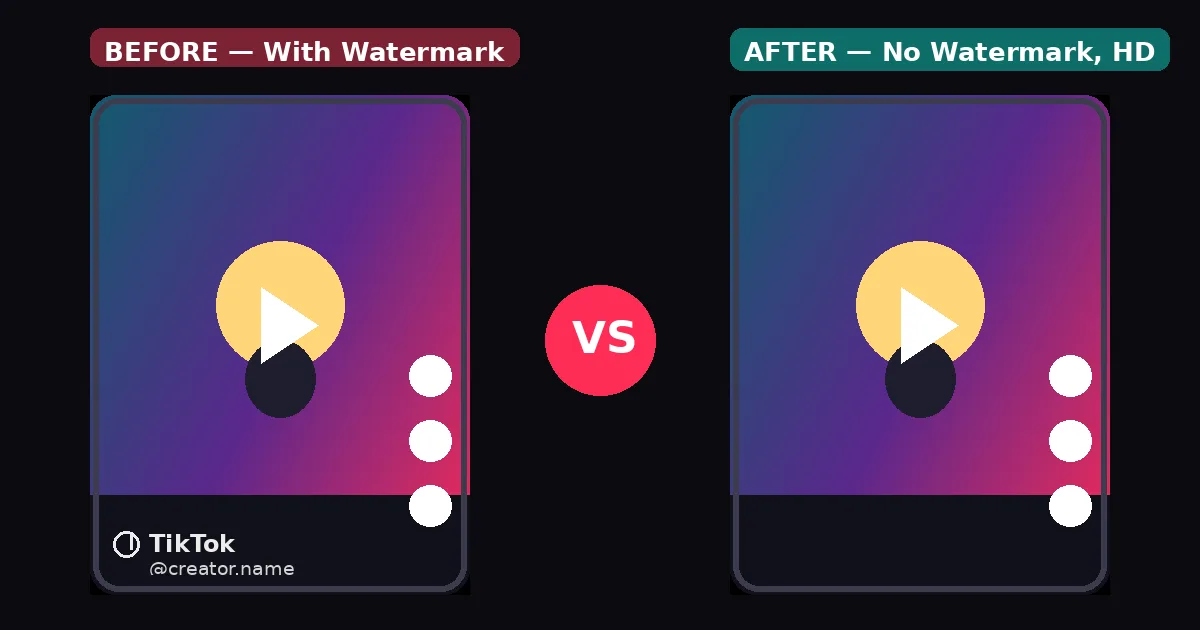
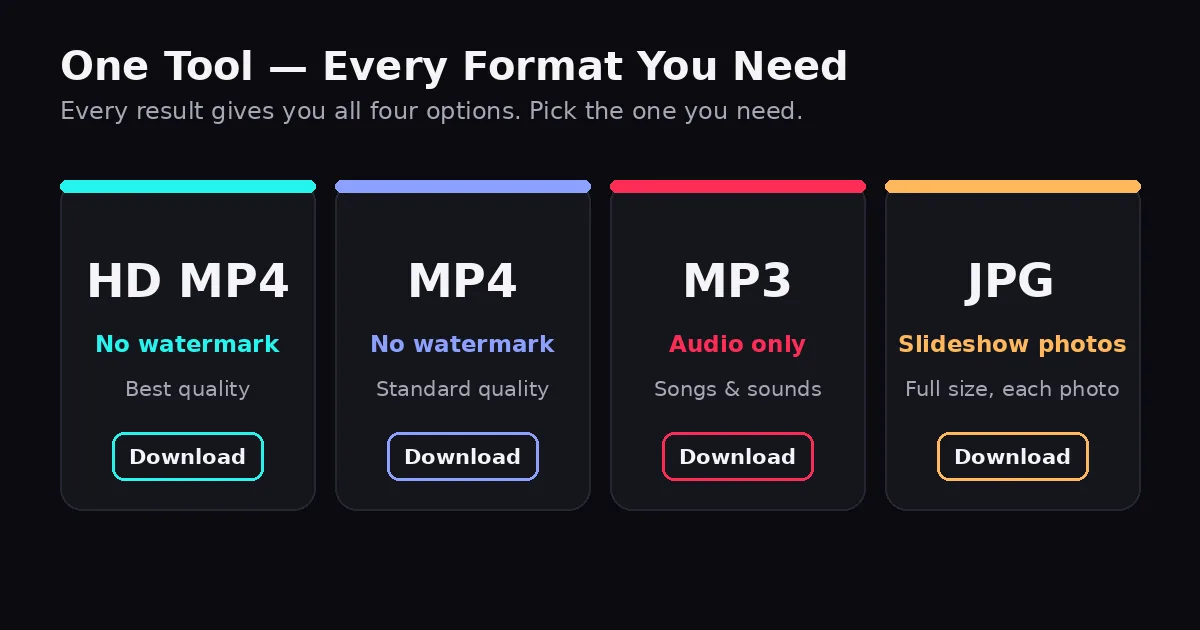
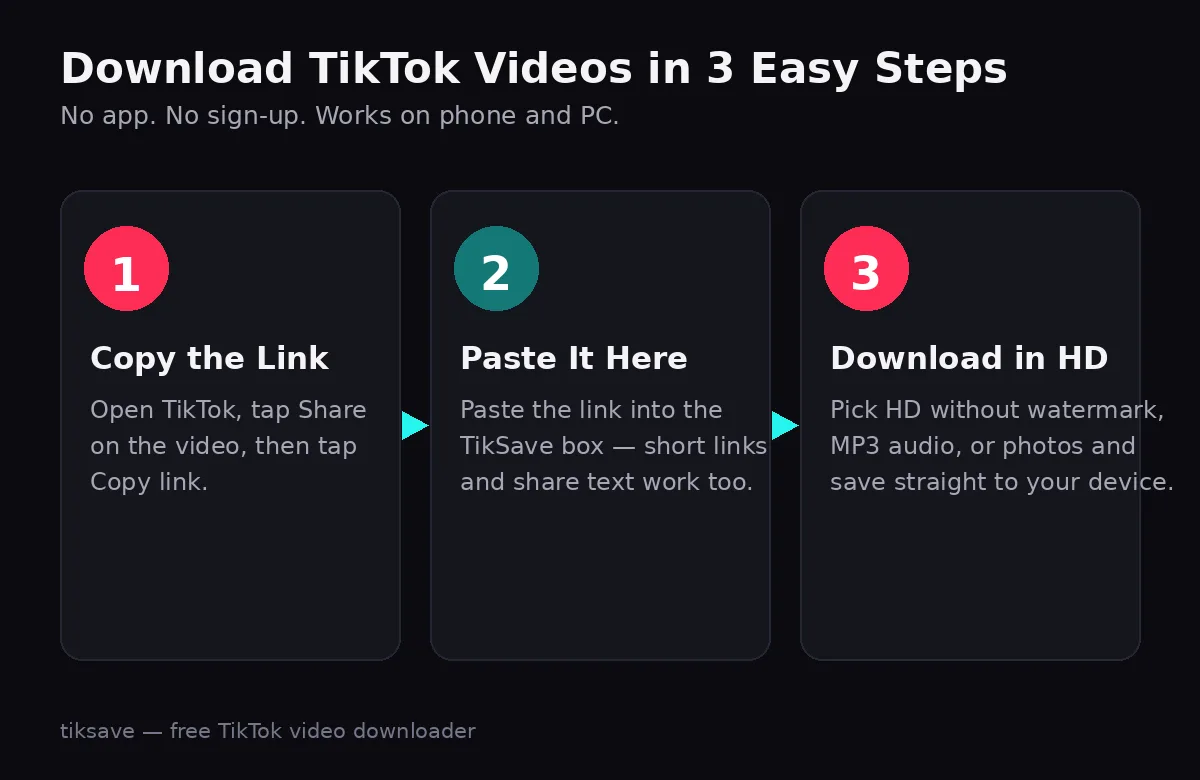
Paste any public TikTok link and save it in HD MP4 without a watermark — plus the MP3 audio and any slideshow photos. Free, unlimited, no sign-up. Works with full links, vt.tiktok.com and vm.tiktok.com short links, and pasted share text. The video must be public. Free & unlimited — no sign-up. Only download content you own or have permission to save. Not affiliated with TikTok. No watermark, real HD, and no games — everything a TikTok downloader should do, in one page. Download the clean HD version of any public TikTok video as MP4 — no logo burned into the corner, no blur. Every video result includes the full audio track as a separate MP3 download. No second tool needed. Slideshow posts are fully supported — download every photo in the post, one by one, in full size. The tool runs right on this page. No app, no extension, no account, and nothing to install on any device. Your links are processed in your own browser session. Recent downloads are stored only on your device. Download as many public videos and photos as you like. There is no daily cap and no paywall. Open TikTok, tap Share on the video, then tap Copy link. On desktop, copy the address bar URL instead. Use the Paste button or paste it yourself. Short links and whole share messages work too — the tool finds the link inside. Choose HD without watermark, standard quality, the watermarked original, the MP3 audio, or the post's photos — the file saves straight to your device. Copy the link in the TikTok app, open this page in Chrome, paste and download. The MP4 lands in your Downloads folder. Use Safari on iOS 13 or newer. After downloading, find the video in the Files app under Downloads, then save it to Photos. Copy the video URL from tiktok.com, paste it here, and save the HD MP4. No software or browser extension to install. TikSave is a free TikTok video downloader built for one job: saving public TikTok videos without a watermark, in the best quality available. The TikTok app itself only lets you save videos with the moving TikTok logo and the creator's username burned in — fine for sharing inside the app, but not when you want a clean copy of your own video, an offline backup, or a clip you have permission to edit. Paste any public TikTok link and you get every format in one result: HD MP4 without watermark, standard MP4 without watermark, the original watermarked file, the MP3 audio, and full-size photos for slideshow posts. There is no app, no extension, no account and no daily limit, and the whole tool runs in your browser on Android, iPhone, Windows, Mac and Linux. Yes. Downloading videos, photos and MP3 audio is completely free with no daily limit and no account to create. The HD and standard download buttons give you the video without any watermark. A separate button is included if you ever want the original watermarked version. No. The tool can only process public posts. Private-account videos cannot be accessed by any online downloader. Android saves to the Downloads folder. On iPhone (Safari), downloads appear in the Files app under Downloads, and you can then save the video to Photos. No. Links are processed in your browser session to fetch the file, and the recent-downloads list is stored only on your own device. Only re-use content you own or have permission for. Downloads are for personal use; always respect the creator's copyright. Download TikTok videos without watermark
See the difference: with vs without watermark
Why people switch to TikSave
HD without watermark
TikTok to MP3
Photo & slideshow posts
Fast, in your browser
Private by design
Free & unlimited
Every format, in one result
How it works
Find the video and copy its link
Paste the link above
Pick your format and save
Works on every device
📱 Android
🍏 iPhone & iPad
💻 PC, Mac & Linux
About this TikTok video downloader
Frequently asked questions
Is this TikTok downloader really free?
Do downloads have a watermark?
Can I download from private accounts?
Where does the file go on my phone?
Do you store the links I paste?
Is it okay to re-upload downloaded videos?
Fetching your video…
🎬
🎵
🖼
⚡
🔐
∞
1
2
3